Project Details

Project Details

Lorem ipsum

Lorem ipsum

. solunar . studio . web . agency

Cheap PDF

Cheap PDF

Overview 

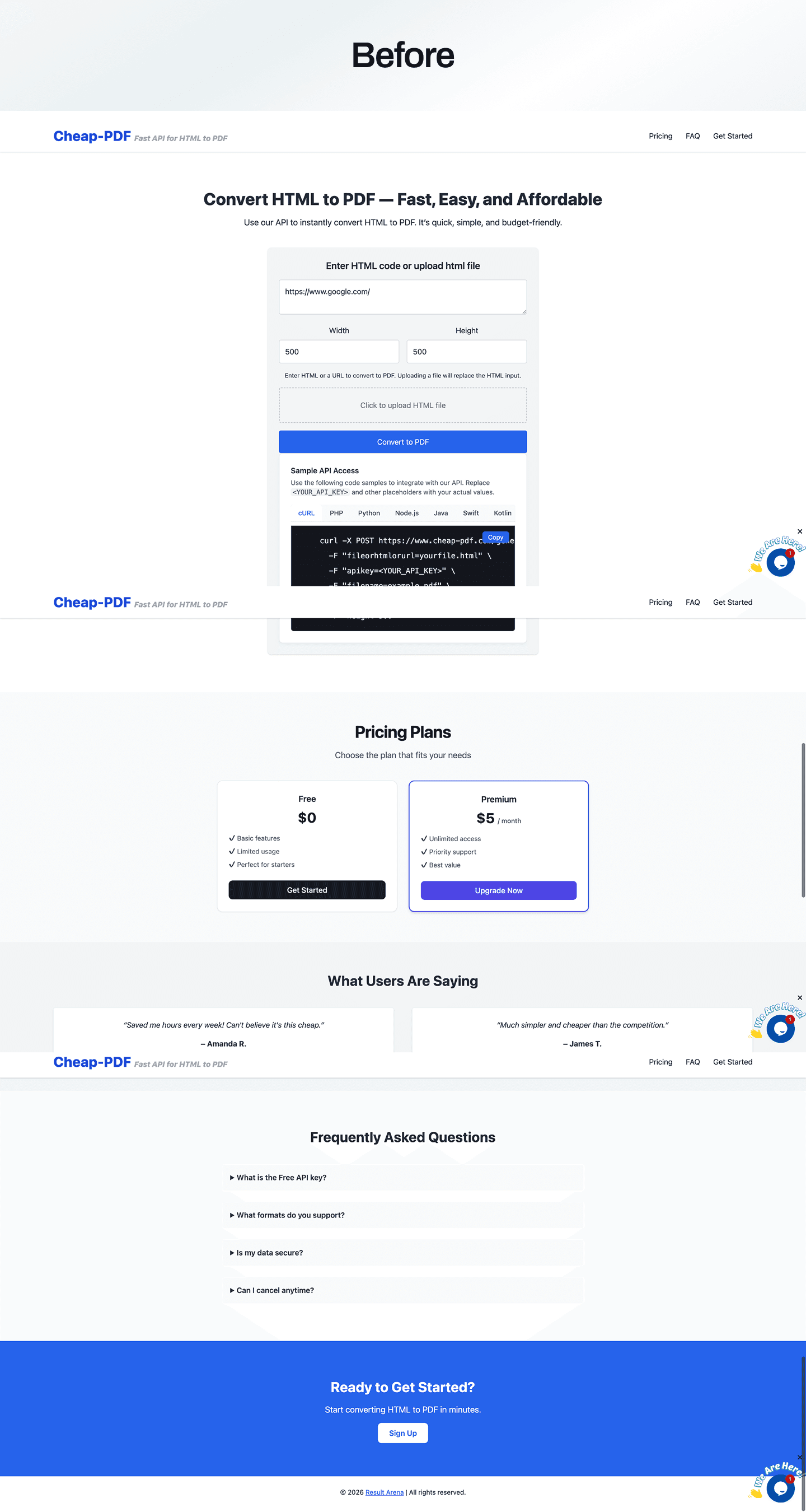
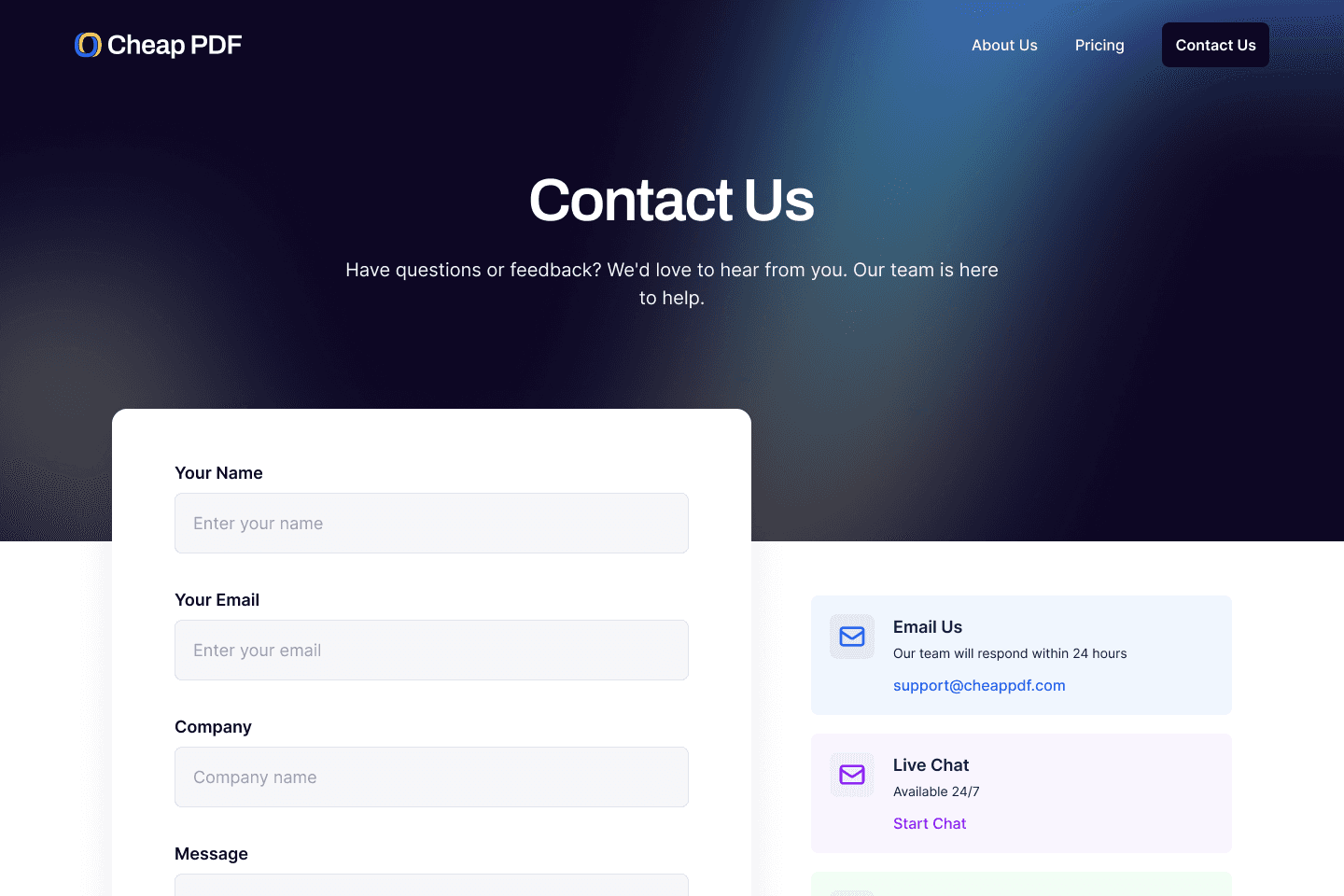
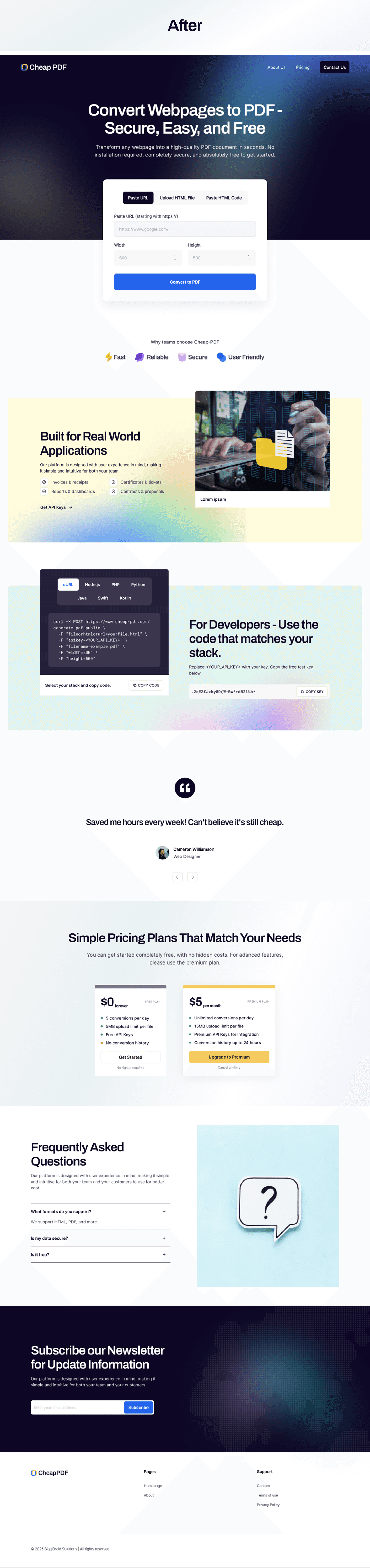
This project was a lightweight HTML-to-PDF conversion platform offering a fast, affordable API for developers and non-technical users. The one-page marketing site showcased the core value proposition, in-browser conversion demo, sample integration code, pricing, testimonials, and FAQs, positioning the product as a simple, low-friction way to turn HTML or URLs into PDFs.

Role 

My role was to define the product narrative, structure the page, and clarify the key user flows for both the in-browser tool and the API integration. I focused on articulating the benefits, organizing technical examples for multiple languages, and making the pricing and onboarding steps intuitive so that users could quickly understand and start using the service.

Challenge 

The key challenge was to explain a technical API-based product in a way that felt approachable to different audiences, that is, whether they're developers looking for integration details and non-technical users who just needed a quick HTML-to-PDF tool. The page had to balance clarity and brevity while building trust around reliability, cost, and data security on a very lean interface.

Solution 

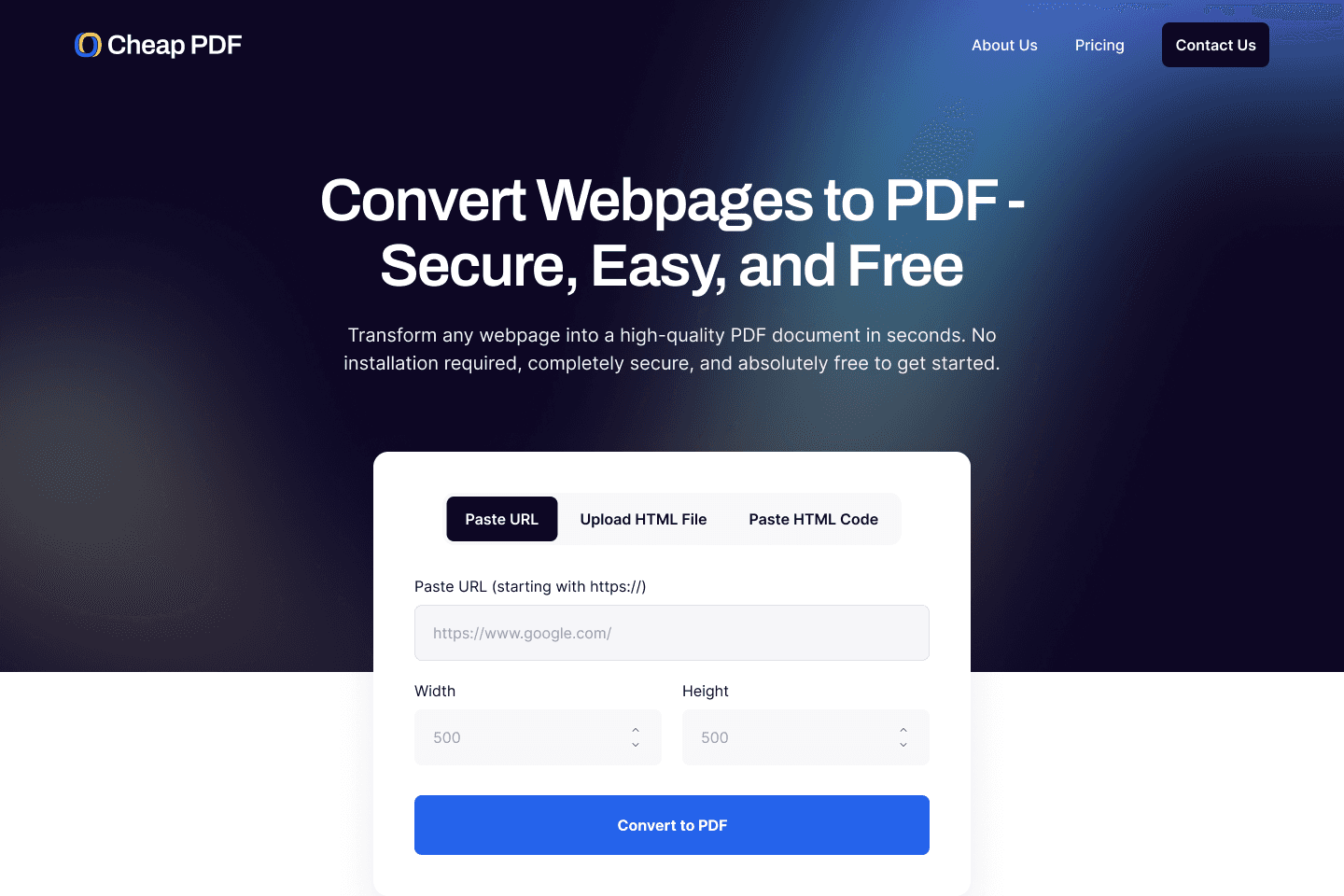
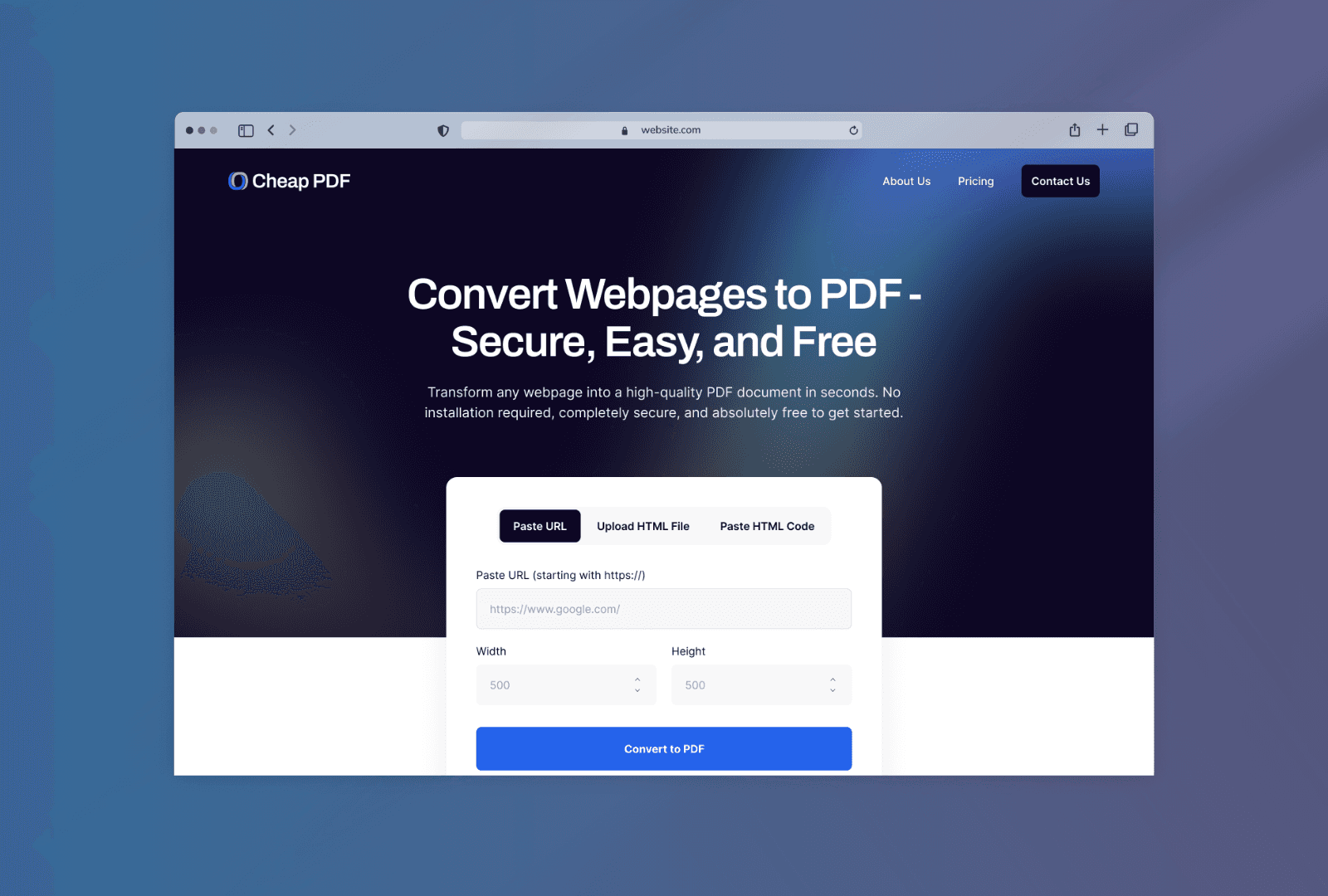
The solution was a focused landing page that led with a clear headline, an inline conversion form, and immediately visible code samples in popular languages. Concise pricing tiers, social proof from testimonials, and a compact FAQ addressed cost, data security, and usage questions. This structure lowered friction for first-time users, while still providing enough technical detail for quick API adoption.

Project details

Client

Cheap PDF

Industry

Tools

Location

Lagos, Nigeria

End Date

Project details

Client

Cheap PDF

Industry

Tools

Location

Lagos, Nigeria

End Date

Our Process

01
Research & Analysis

This includes conducting user interviews and surveys, as well as analyzing usage data or in-app analytics to identify patterns and bottlenecks. Competitor offerings and industry trends are also reviewed to reveal best practices, feature gaps, and opportunities for differentiation.

02
Information Architecture

Insights from research inform the structure of the experience. Core user journeys are mapped out, key tasks are prioritized, and content is organized into clear sections and flows. The goal is to reduce cognitive load, make navigation intuitive, and ensure that users can quickly find and complete their most important actions.

03
Wireframing & Prototyping

The information architecture then translates into low-fidelity wireframes that explore different layout and interaction options. These wireframes evolve into interactive prototypes that simulate real tasks and scenarios.

04
Usability Testing

Usability testing involves observing real users as they attempt to complete key tasks using the prototypes. Their behaviors, questions, and mistakes reveal friction points and areas of confusion. Feedback from these sessions leads to improvements and a more seamless and intuitive experience.

05
Visual Design & Style Guide

Typography, color, spacing, iconography, and components are defined in a style guide or design system. This ensures consistency across screens and makes it easier for teams to extend and maintain the experience over time.

01
Research & Analysis

This includes conducting user interviews and surveys, as well as analyzing usage data or in-app analytics to identify patterns and bottlenecks. Competitor offerings and industry trends are also reviewed to reveal best practices, feature gaps, and opportunities for differentiation.

02
Information Architecture

Insights from research inform the structure of the experience. Core user journeys are mapped out, key tasks are prioritized, and content is organized into clear sections and flows. The goal is to reduce cognitive load, make navigation intuitive, and ensure that users can quickly find and complete their most important actions.

03
Wireframing & Prototyping

The information architecture then translates into low-fidelity wireframes that explore different layout and interaction options. These wireframes evolve into interactive prototypes that simulate real tasks and scenarios.

04
Usability Testing

Usability testing involves observing real users as they attempt to complete key tasks using the prototypes. Their behaviors, questions, and mistakes reveal friction points and areas of confusion. Feedback from these sessions leads to improvements and a more seamless and intuitive experience.

05
Visual Design & Style Guide

Typography, color, spacing, iconography, and components are defined in a style guide or design system. This ensures consistency across screens and makes it easier for teams to extend and maintain the experience over time.

Tools

Gallery

Ready to turn clicks into customers?

We are one call away to always serve you modern, unique and converting solutions.

Ready to turn clicks into customers?

We are one call away to always serve you modern, unique and converting solutions.

Ready to turn clicks into customers?

We are one call away to always serve you modern, unique and converting solutions.

Create a free website with Framer, the website builder loved by startups, designers and agencies.